


HOW TO BUILD AN AWESOME CUSTOM PC?

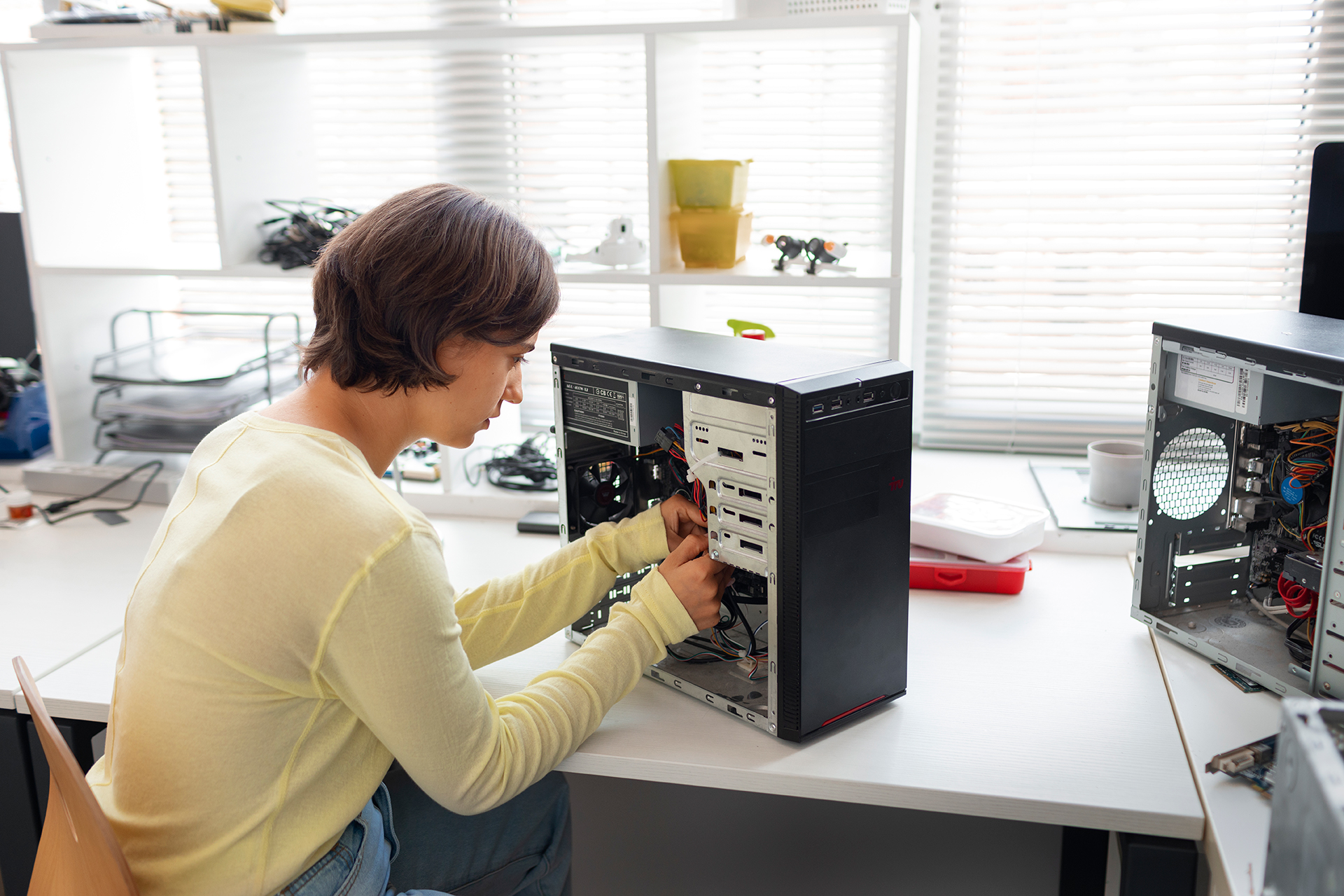


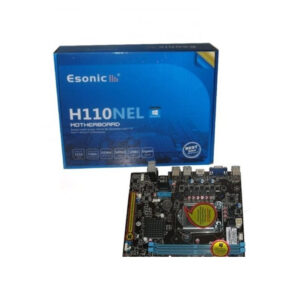
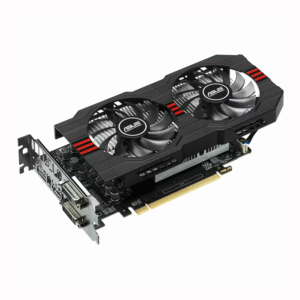
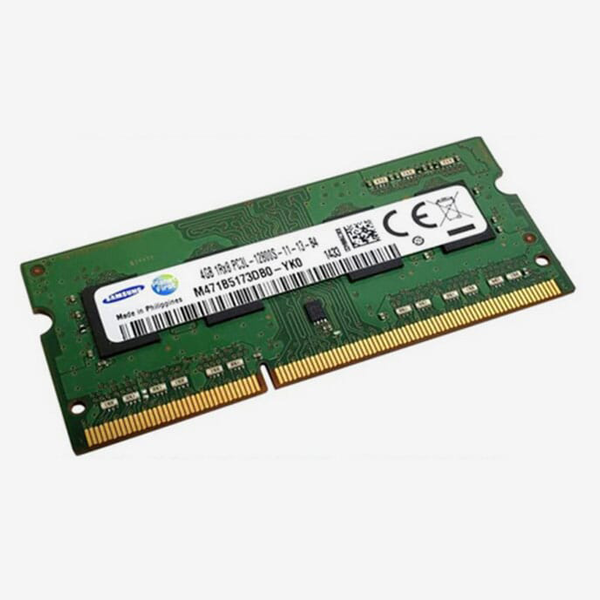

Follow this easy guide to Build a Custom PC as per your needs. With the growing availability of PC components in Nepal, assembling a custom PC is more accessible than ever. Whether you’re a gamer, student, content creator, or a working professional, assembling a PC to your needs helps you save money, get better performance, and ensure upgradability.
In this step-by-step guide, provides a detailed roadmap to build your own PC — from choosing the right components to assembling and powering on your dream setup. In Nepal, where PC component prices can vary, building your own system ensures you get the best value for your budget. This guide is designed for beginners and enthusiasts alike, with practical tips and local insights.
Gaming: Focus on GPU, CPU, and cooling.
Office Work: Prioritize SSD and RAM.
Video Editing or 3D Rendering: Get a powerful CPU, GPU, and high RAM.
Student Use: Balanced mid-range build for studying and multitasking.
Budget Ranges in Nepal:
| Category | Budget (NPR) | Best Use |
|---|---|---|
| Entry-level | 37,000 – 45,000 | Browsing, Office, Online Classes |
| Mid-range | 55,000 – 1,00,000 | Gaming, Design, Programming |
| High-end | 1,10,000+ | 4K Gaming, Video Editing, Streaming |
Here are the main parts needed to build a custom PC:
Your CPU determines the performance of tasks.
| Feature | Recommended Options |
|---|---|
| Budget CPU | Intel Core i3 , AMD Ryzen 3 |
| Gaming/Editing | Intel Core i5 , Ryzen 5 |
| High-End | Intel i7, Ryzen 9 |
Make sure your motherboard supports your chosen CPU.
| Type | Chipset Suggestions |
| Intel | H61, H110, For 3rd and 6th, 7th, 8th Gen and B660, Z690 for 12th/13th Gen |
| AMD | B550, X570 for Ryzen CPUs |
This is crucial for gaming and rendering.
| Budget | GPU Options |
|---|---|
| Entry | GTX 1650, RX 6500 XT |
| Mid | RTX 3060, RX 6700 XT |
| High | RTX 4070 Super, RX 7900 XT |
RAM helps in multitasking. Always go for dual-channel kits.
| Purpose | RAM Recommendation |
|---|---|
| General Use | 8GB DDR4 3200MHz |
| Gaming | 16GB DDR4/DDR5 |
| Editing | 32GB or more |
For faster boot time and load speed, get an SSD.
| Type | Suggestion |
|---|---|
| SSD | 500GB NVMe SSD for OS and apps |
| HDD | 1TB for files and backup |
Get a reliable PSU with enough wattage and certification.
| Wattage | Use Case |
|---|---|
| 450W–550W | Budget builds |
| 600W–750W | Mid to high-end builds |
| Certification | At least 80+ Bronze |
Choose a case that fits your components and has good airflow.
| Type | Features |
|---|---|
| Mid Tower | Good for most ATX builds |
| Mini Tower | Compact, for mATX motherboards |
| Front Mesh | Better airflow and cooling |
Stock coolers are okay for most CPUs. Use aftermarket coolers for high-end builds or overclocking.
| Cooler Type | Use |
|---|---|
| Air Cooler | Budget and mid-range builds |
| Liquid Cooler | Overclocked or gaming PCs |
Choose a case that fits your components and has good airflow.
| Type | Features |
|---|---|
| Mid Tower | Good for most ATX builds |
| Mini Tower | Compact, for mATX motherboards |
| Front Mesh | Better airflow and cooling |
Stock coolers are okay for most CPUs. Use aftermarket coolers for high-end builds or overclocking.
| Cooler Type | Use |
|---|---|
| Air Cooler | Budget and mid-range builds |
| Liquid Cooler | Overclocked or gaming PCs |
No account yet?
Create an Account


