LAPTOPS

HOW TO SELECT A RIGHT LAPTOP?

How to select a right laptop

How to select a right laptop? is the main question to be answered by everyone before buying any laptop or a computer. This article is specifically dedicated to those who do not have depth knowledge on different types of laptops and desktops available in markets with their different features and capacities. People without knowledge get frusted having bought one when their purpose of purchasing do not match in their real work.

To solve such confusion of our valued customers or our website visitors, who are planning to buy one, we have introduced this article. Anyone who is reading this article urge to  think first for what purpose you are going to buy. If you are a gamer, engineer, photo editor, audio/video editor or a graphic designer, you need to buy high configuration laptop or desktop with greater capacities. But if you want to work with simple documentation, accouting, web browsing or simply to watch youtube video, a medium or low range configuration laptop will be enough.

Still, it is not enough to select a right laptop or a desktop when so many laptops and desktops come in market with different models, specifications, and features. So, it is necessary to think properly to select a right laptop or a desktop that can boost your productivity and save you money in the long run.

In this article, we’ll help you understand how to select a laptop or desktop that fits your specific needs, performance expectations, and budget—without confusion or regret.

At IT Solution Center, we’re here to help you to select a right laptop or a desktop as per your need. If you sincerely follow our suggestion, you will have a right laptop or desktop at your hand which will ultimately save your money and time and enhance your workflow.

Which One is Right - Laptop or Desktop?

A laptop is a portable device which you can carry wherever you go. You can use it on bed, in kitchen, in school, college, office, anywhere you desire. But you cannot do the same with desktop. So, the first decision is to choose between a laptop and a desktop. Each has its own benifits.

If you have to make frequent visits to different locations, a laptop is suitable to you. It saves your time, space and gives battery backup for uninterruptable power supply. But if you prefer to sit in one corner of room and want to work comfortablly sitting on a chair, it is better to buy a desktop rather than laptop. So:

✅ Choose a Laptop If:

  • You need portability,
  • Battery backup,
  • More space, and
  • Prefer a single, all-in-one device

✅ Choose a Desktop If:

  • You want higher performance,
  • Comfort Operation,
  • Upgrading parts later,
  • You need a large screen and full keyboard for long hours,
  • You're not moving the device frequently.

Differentiating between laptop and desktop is not still enough to select a right one. Purpose of buying a laptop or a desktop plays a major role to identify the right one. So, first of all, define your purpose for what you are willing to buy. Followings are the points you need to consider before buying any laptop or a desktop:

1. Who are you?

  • If Your Are an Under Graduate Student: Basic multitasking, online classes, document editing, and media.

  • If You Are Working In Office: MS Office, Zoom meetings, emails, accounting software.

  • If You Are A Designer: Photoshop, Illustrator, video editing software.

  • If You Are A Gamer: Games that require a dedicated GPU and fast processor.

  • If You Are A Programmer: Coding, compiling, using IDEs like VS Code or Android Studio.

When you know your purpose, it will lead you to select laptops or desktops with their respective capacities and cofigurations. Here is the list for you to select right one as per your defined purpose.

Use Case

Recommended Specs

Basic Tasks (Office, Browsing)

Intel i3 / Ryzen 3, 4–8GB RAM, SSD 256GB+ will be enough.

Students & Online Classes

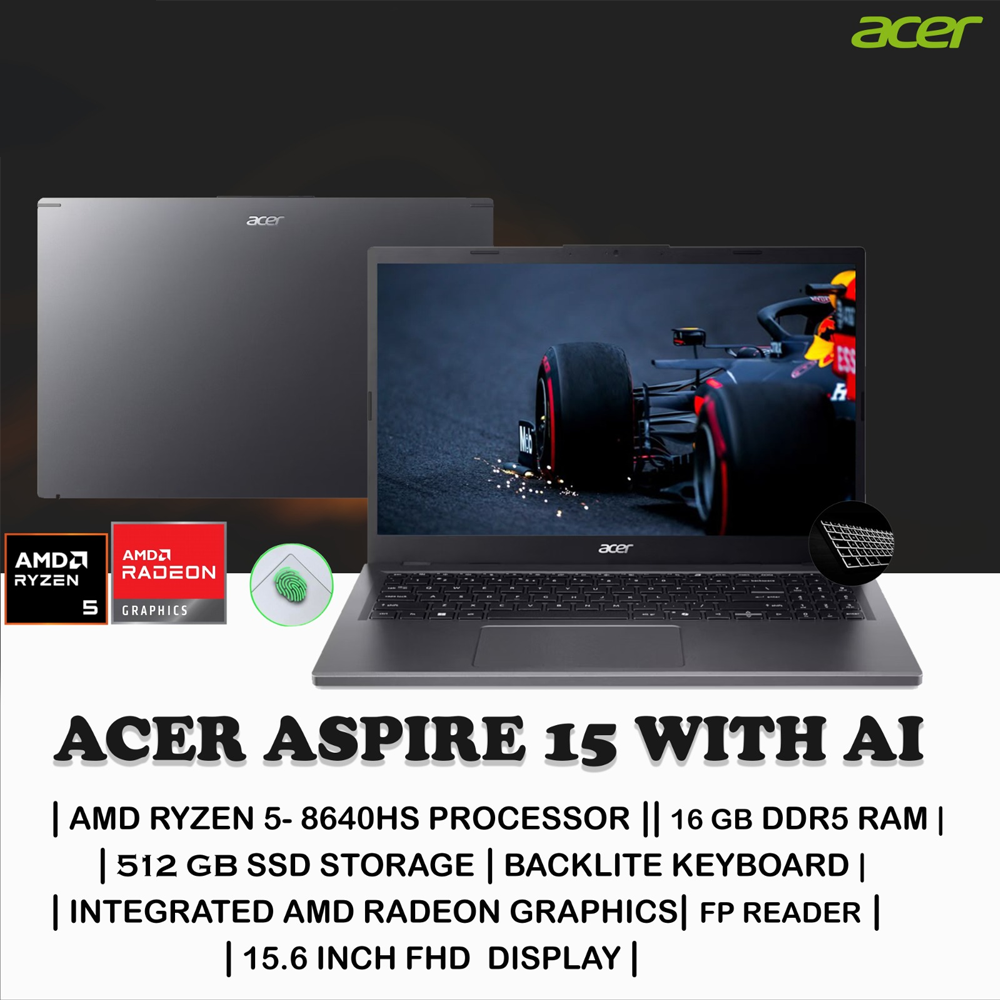
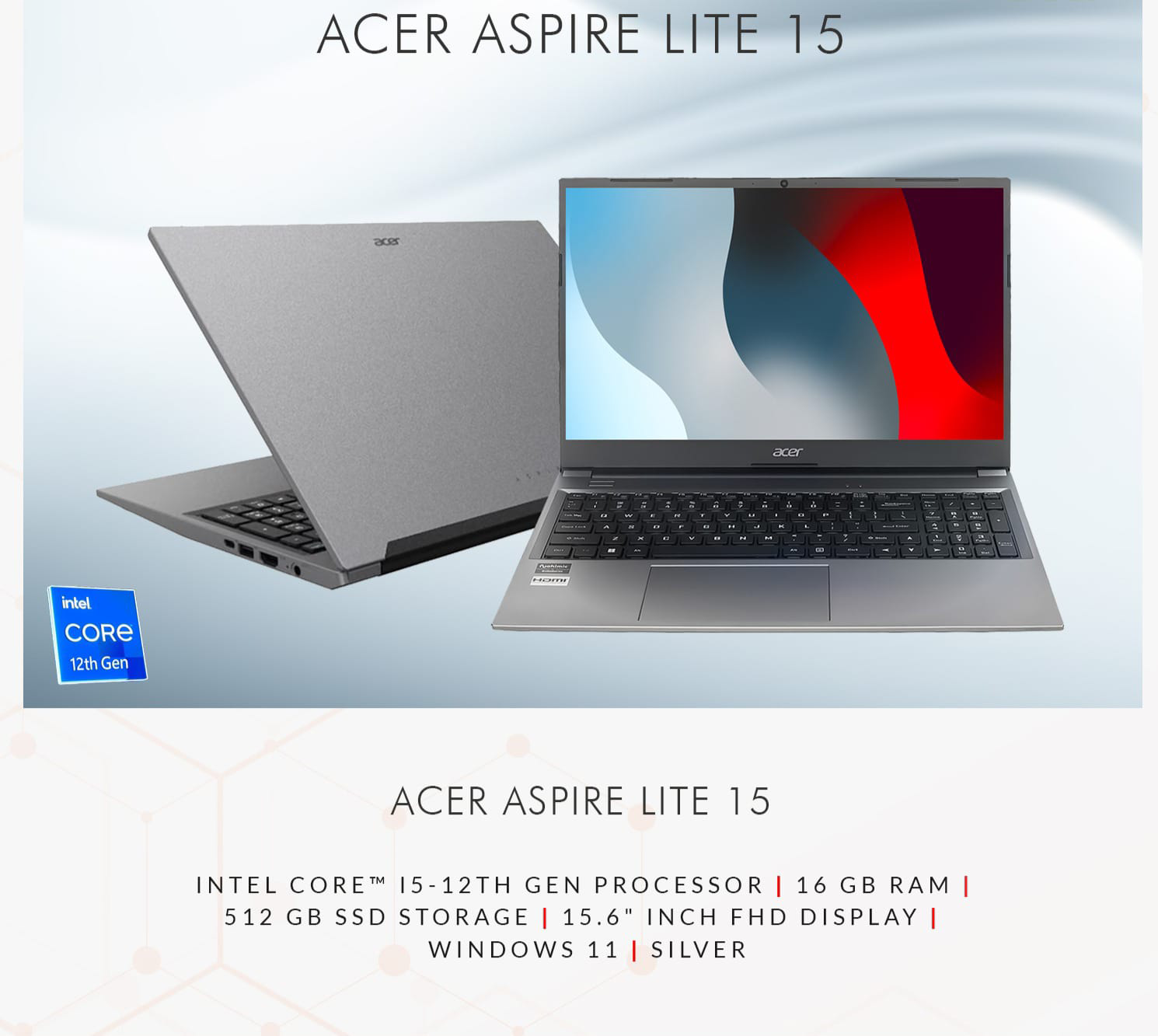
Intel i5 / Ryzen 5, 8GB RAM, Webcam, Long Battery Life 

Designers & Creators

Intel i7/Ryzen 7, 16GB+ RAM, Dedicated Graphics, High-Resolution Display are compulsory.

Gamers

Intel i5/i7 or Ryzen 5/7, 16GB RAM, RTX/AMD GPU, SSD + HDD combo

Business & Office

Intel i5/i7, Fast SSD, Comfortable Keyboard, Reliable Brand

2. Select Proper Processor (CPU)

The CPU is the brain of your laptop. It controls how fast your system responds.

➤ For Basic Users:

  • Intel Celeron / Pentium or AMD A-Series

  • Suitable for browsing, typing, or watching videos.

➤ For Intermediate Users:

  • Intel Core i3  or i5 

  • AMD Ryzen 3  or Ryzen 5 

Great for office use, student work, and light multitasking.

➤ For  Professionals:

  • Intel Core i7 / i9 (12th–14th Gen)

  • AMD Ryzen 7 / 9

  • Ideal for video editing, 3D rendering, and programming.

Note: Always go for the latest generation CPU if budget allows.

3. RAM:

Memory (RAM) ensures smooth multitasking.

User TypeRecommended RAM
Basic Users4GB
Students/Office8GB
Designers/Gamers16GB or more
Developers8GB to 16GB
 

4. Think On Storage:

Storage affects both speed and space. There are mainly two types of storage:

🟩 Hard Disk Drive (HDD):

  • Slower in operation

  • More affordable

  • Suitable for large storage 

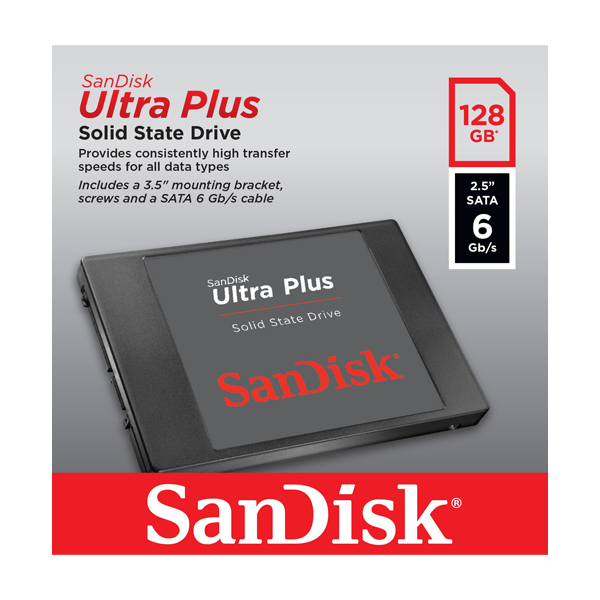
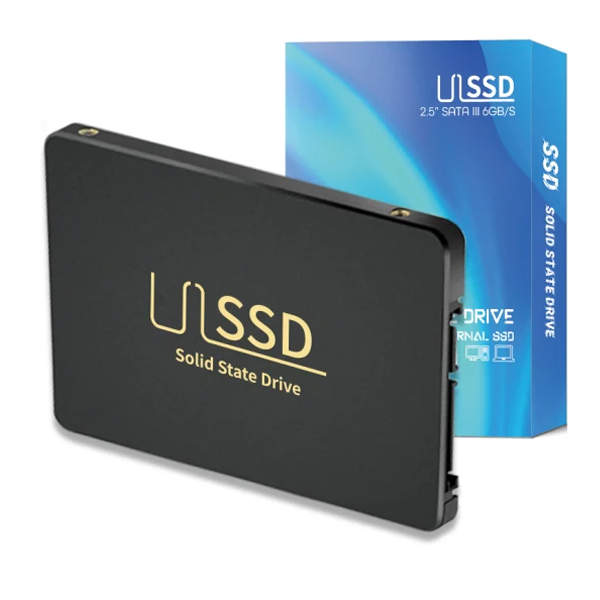
🟨 Solid State Drive (SSD)

  • Faster boot time and application loading

  • More expensive but worth it

  • Enhances overall performance

Ideal Configurations:

  • 256GB SSD for regular users

  • 512GB SSD or hybrid - 256GB SSD + 1TB HDD - for professionals

Note: For better speed and reliability, go for SSD even if it costs a bit more.

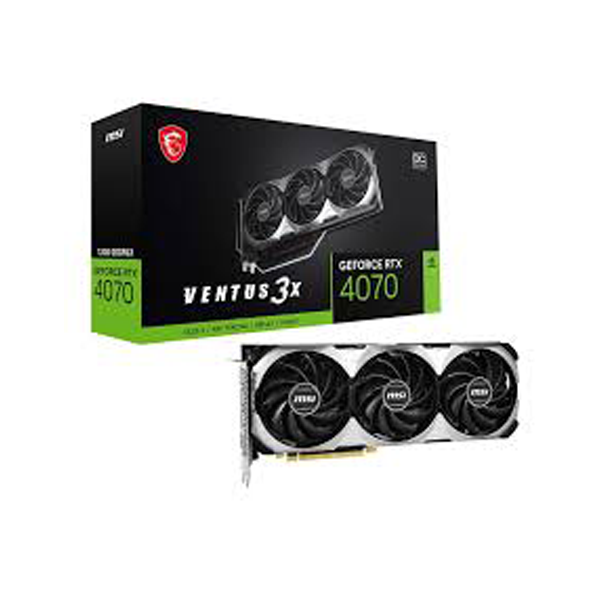
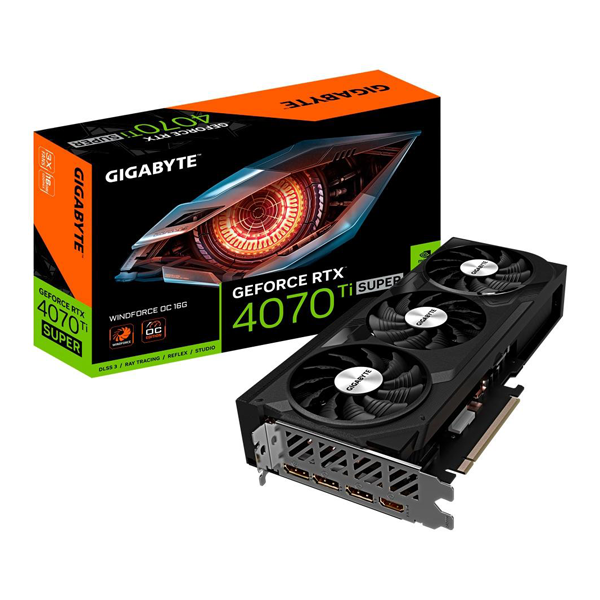
5. Think On Graphics Card

Not everyone needs a powerful GPU, but in some cases it’s essential.

User TypeGraphics Required
Students/Office WorkIntegrated (Intel UHD/Iris)
Designers/EditorsNVIDIA MX series / RTX 3050+
GamersRTX 3050 to 4080

6. Choose the Right Display

✅ Screen Size

  • 13"–14": Lightweight and portable

  • 15.6": Balanced and widely available

  • 17": For heavy users or desktop replacements

✅ Resolution

  • HD (1366x768): Basic

  • FHD (1920x1080): Standard for clear visuals

  • 4K (3840x2160): High-end visual clarity

Note: Go for an FHD IPS panel for the best combination of color and viewing angles.

7. Battery Life Matters

Battery life is essential if you're always on the move.

Usage Recommended Battery Life
Office/Students 6–8 hours
Gamers/Editors 3–5 hours (due to GPU usage)
Travelers 8–10 hours or more